How to Use an HWID Spoofer in 2026 to Get Unbanned Permanently and Rejoin Your Games
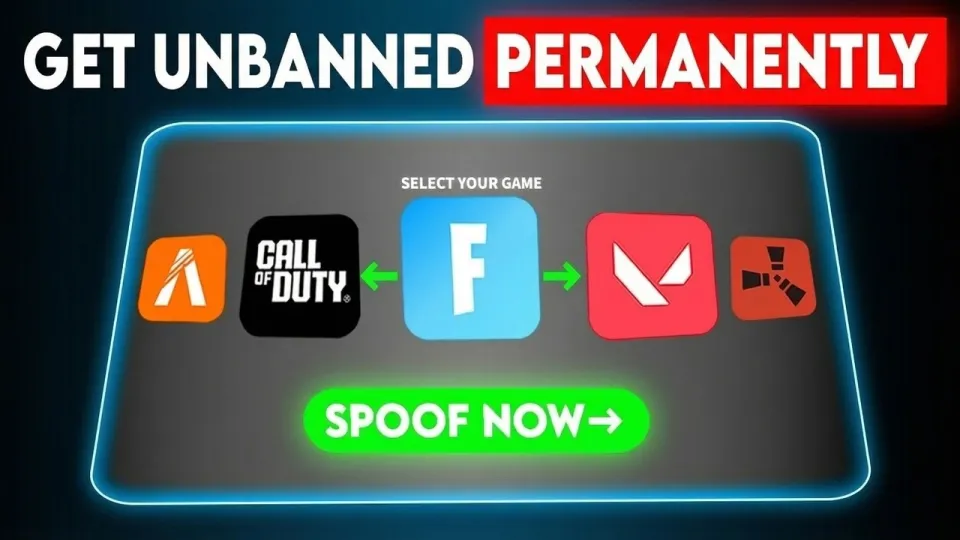
Video: HWID Spoofer 2026 - How to Get Unbanned Permanently
· based on the channel Ghosty Services
Key takeaways
- An HWID spoofer replaces the hardware identifiers a game reads, so a banned machine looks like a new one to the anti-cheat.
- The Ghosty Services spoofer includes a built-in cleaner, so a full Windows factory reset is not required.
- A license key is tied to one machine's HWID and cannot be reused on a second PC without a reset.
- Spoofing only changes identifiers; the banned game account is not restored and must be replaced.
- The tool is marketed for Fortnite, Valorant, Rust and FiveM, with support for Fortnite tournaments.
An HWID spoofer is a tool that overwrites the hardware identifiers an anti-cheat reads, so a banned PC presents new serials and the game stops recognizing it as the flagged machine. In practice you run the spoofer, let it replace those identifiers, reboot, and log in with a fresh game account. The commercial option promoted in the Ghosty Services breakdown is available on the Ghosty Services HWID spoofer product page, and it is built around a built-in cleaner so you do not have to wipe Windows first.
The important distinction is that a hardware ban and an account ban are two separate things. A spoofer addresses the first one; the second one is permanent for that account no matter what you install. Understanding that split is the difference between a working setup and a wasted evening.
What an HWID spoofer actually changes on your PC
A hardware ban works because the anti-cheat collects a fingerprint of your machine and stores it server-side. That fingerprint is a bundle of values, and a spoofer's job is to change enough of them that the new bundle does not match the stored one.
The typical components include:
- Disk serial numbers reported by the storage controller
- The SMBIOS and motherboard UUID
- The Windows MachineGuid and related registry identifiers
- Network adapter MAC addresses
- Volume IDs and, on some setups, the product ID of the installation
A good spoofer touches all of these in one pass. A weak one changes only the MAC address, which most modern anti-cheats ignore because it is trivially editable. That is why results vary so much between free tools and paid ones: the free ones often cover a single value, and the ban re-triggers on the next launch.
Step-by-step setup for a permanent unban
The process is short, but order matters, and skipping a step is the most common reason a spoof fails on the first attempt.
- Remove the game and its anti-cheat completely, including leftover service entries and folders, then reboot.
- Disable any antivirus real-time protection temporarily, because spoofers modify low-level system values and get flagged as false positives.
- Run the spoofer as administrator and let the built-in cleaner finish before the spoof itself starts.
- Wait for the confirmation message, then reboot the machine. Do not launch the game before the reboot.
- Create a new game account with a different email, and avoid reusing the same payment method or phone number.
- Launch the game and verify that it loads normally without an immediate ban notice.
The reboot step is not optional. Many identifiers are read at boot, so a spoof applied without a restart can appear to work and then revert.
Why a factory reset is no longer required
Older guides insisted on a full Windows reinstall after a hardware ban, and for years that was the only reliable route because the identifiers persisted across a simple format of the system drive. A built-in cleaner changes that calculation: it targets the same registry keys, volume IDs and driver-level values that a reinstall would reset, without touching your files or installed games.
That matters for two reasons. First, a reinstall takes hours and wipes everything, while a cleaner pass takes minutes. Second, a reinstall alone does not always help, because some identifiers live in firmware or in the SMBIOS and survive a fresh Windows install entirely. A spoofer that edits those values is doing work a reinstall cannot do at all.
Fortnite, Valorant, Rust and FiveM: what to expect per game
Each anti-cheat reads a different set of values, so the practical experience varies by title.
- Fortnite uses Easy Anti-Cheat, which checks disk and SMBIOS data closely; the tool is specifically marketed as working in Fortnite tournaments, which is a stronger claim than casual matchmaking.
- Valorant runs Vanguard, a kernel-level driver that loads at boot; a spoof must be applied and the machine rebooted before Vanguard initializes, or the new identifiers are never picked up.
- Rust and FiveM (the GTA V multiplayer framework) are frequently targeted by hardware bans and are listed among the supported titles.
If your ban came from a game not on that list, check the vendor's supported-title list before buying, because anti-cheat coverage is not universal.
License key, payment and HWID-lock problems
Two support issues come up repeatedly with tools of this type, and both have straightforward explanations.
A message saying the license key has already been used on another HWID means the key is bound to the first machine it activated on. Keys are locked to one hardware profile to stop sharing, so moving to a new PC or reinstalling in a way that changes the fingerprint requires a manual reset from the vendor's support team through their Discord. Keep the order details ready when you open the ticket.
A declined payment is usually a processor-side block rather than a problem with the card. Digital goods sellers in this category are often flagged by payment providers, so a different card, a different payment method, or contacting support for an alternative checkout route resolves it in most cases.
Safety and detection considerations
No spoofer is permanently undetected, and any vendor claiming otherwise is overselling. Anti-cheats update their detection of known spoofing methods, so the realistic goal is to apply the spoof, get back into the game, and avoid behavior that draws manual review.
Practical precautions:
- Do not run the spoofer while the game or its anti-cheat is active.
- Keep the tool updated; older builds are the first ones signatured.
- Use a fresh account with clean payment details rather than an old one with history.
- Avoid stacking multiple spoofers, which can corrupt identifiers and cause instability.
The vendor offers a refund guarantee, which is worth confirming in writing before purchase, since terms differ between resellers.
Official links
- Product page: https://ghostyservices.xyz/product?id=hwid-spoofer
- Discord support: http://discord.gg/ghostyservice
Summary
An HWID spoofer solves one specific problem: it makes a banned machine look like a different machine to the anti-cheat, and a built-in cleaner removes the need for a full Windows reinstall. The setup is a short sequence of uninstall, clean, spoof, reboot, and a new account, with the reboot being the step people most often skip. Results depend on the game's anti-cheat, and license keys are locked to a single hardware profile, so plan for a support reset if you change PCs. The video breakdown above comes from the Ghosty Services channel, and the tool it covers can be purchased on the Ghosty Services store.
Source: HWID Spoofer 2026 - How to Get Unbanned Permanently · Markdown version
Questions & answers
Does an HWID spoofer unban my existing game account?
No. A spoofer changes your machine's hardware identifiers so the anti-cheat no longer recognizes the banned PC, but the banned account itself stays banned permanently. You need to create a new game account after spoofing, ideally with a different email and payment method.
Do I need to factory reset Windows before using a spoofer?
Not with tools that include a built-in cleaner, which targets the registry keys, volume IDs and driver-level values a reinstall would reset. A full reinstall also fails to change firmware and SMBIOS identifiers, so it is not a complete substitute for a proper spoof.
Why does my license key say it is already used on another HWID?
Keys are locked to the first machine they activate on to prevent sharing. If you changed hardware, reinstalled Windows, or moved to a new PC, the fingerprint no longer matches, and the vendor's support team has to reset the binding manually through their Discord.
Why was my payment declined when buying an HWID spoofer?
Payment processors frequently flag digital goods in this category, so the decline usually comes from the processor rather than your bank. Trying a different card or payment method, or asking support for an alternative checkout route, typically resolves it.